# Create New Page
- To get started adding a new page to your WordPress site, find the Pages menu in the WordPress Dashboard Navigation menu. Click Add New.
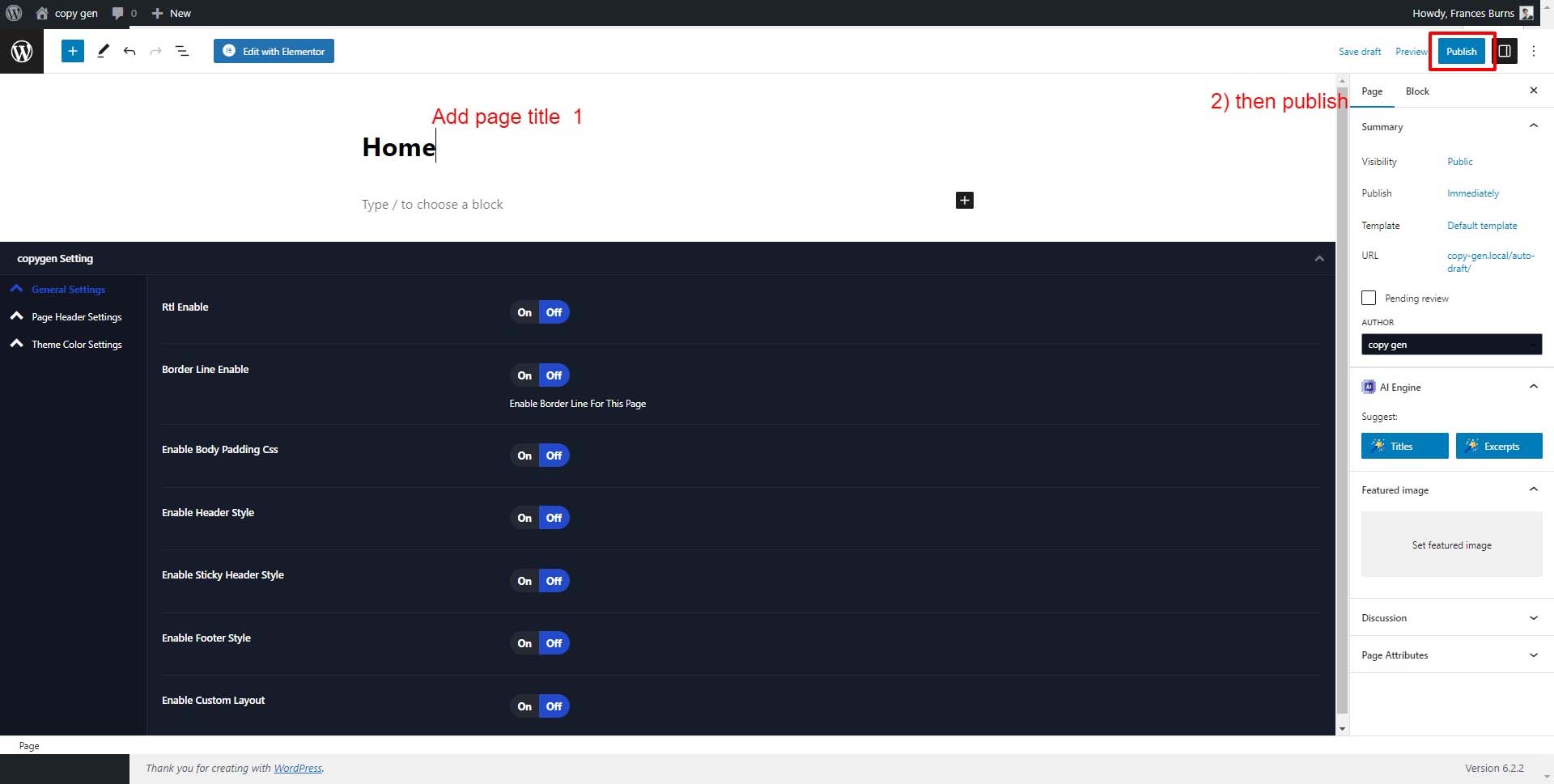
- Add Page Title. Next, add the title of the page, like About. Click the Add Title text to open the text box where you will add your title.
- Then click the Publish button.
# Templates For Pages
Here is the page template for Copygen
- Copygen Full Width ( Comes With Page title and breadcrumb )
- Copygen Home Full Width ( Comes with Only Header And Footer )
